Multifactor Authentication
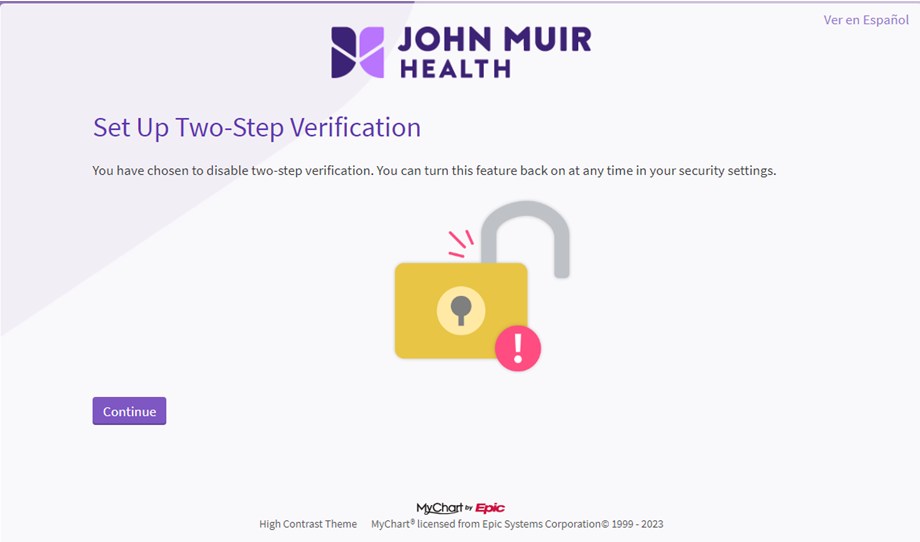
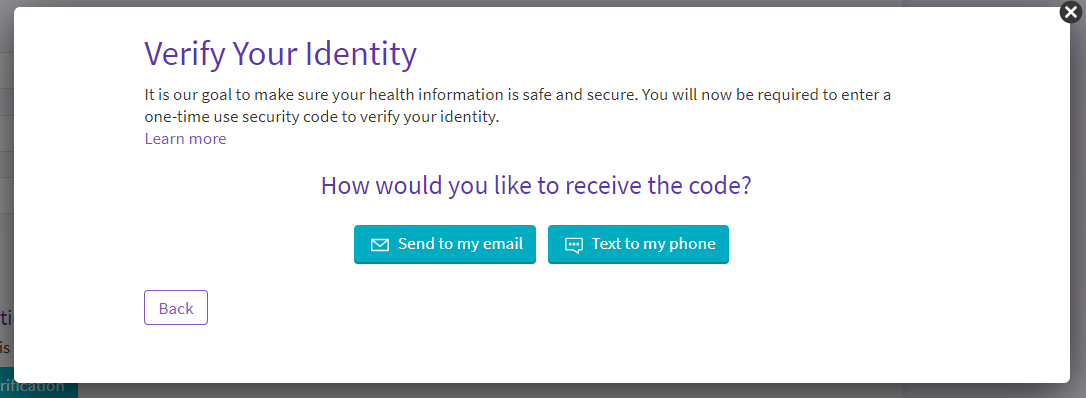
Multifactor Authentication, or MFA, adds an extra layer of security to your MyChart account. When MFA is enabled, we can verify your identity by sending you a security code to use along with your password when you log in. This is commonly referred to as two-step verification throughout your MyChart account. Even if someone has your account password, they won’t be able to login and access your information without the extra security code.
How do I enable MFA?
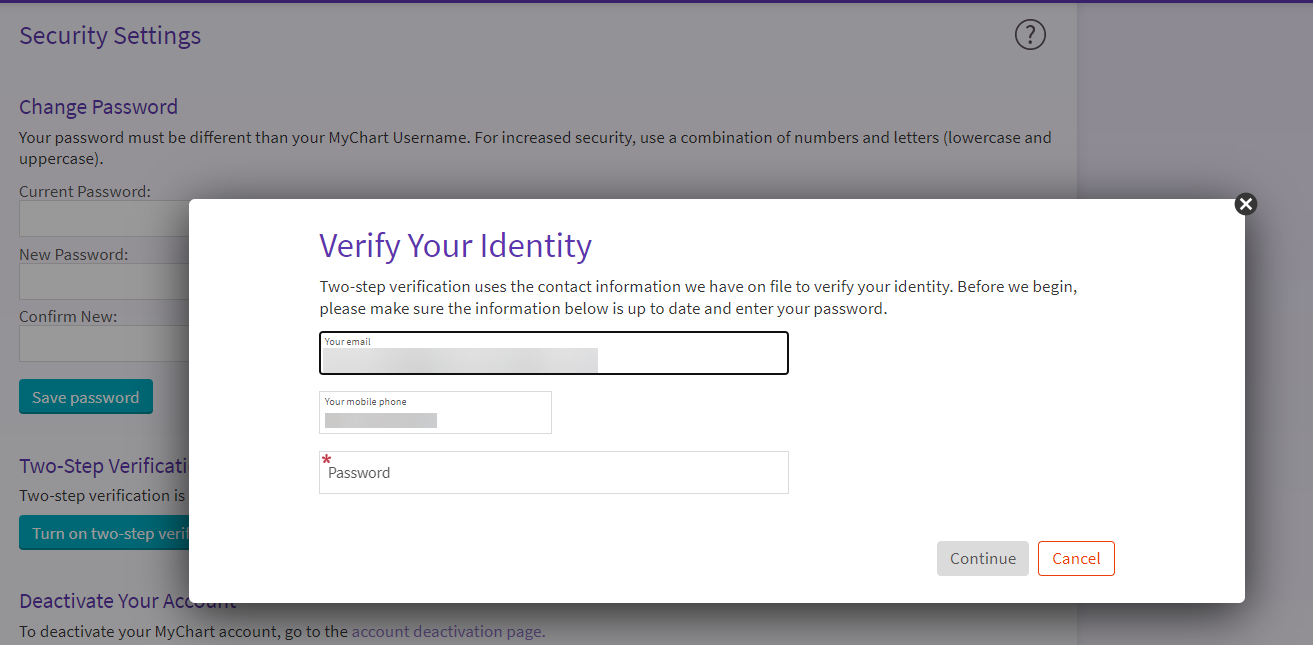
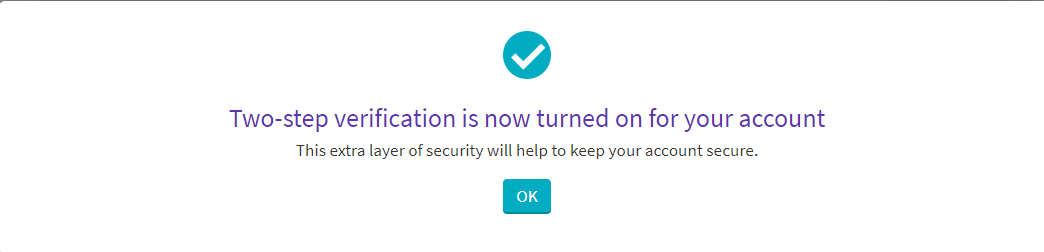
After you enter your MyChart login credentials you will be prompted to enter your mobile phone number to turn on two-step verification. A 6-digit security code will be texted to the number you provided. Enter the verification code to turn on two-step verification.